
Teaching online safety to young students doesn’t have to be complicated. These simple online safety activities help kindergarten and primary students learn how to make safe, smart choices when using technology.
Young students are using websites, apps, games, and digital tools earlier than ever, so online safety is an important skill to introduce right from the beginning.
The goal doesn’t need to be teaching every possible online danger. Instead, focus on a few simple rules students can understand, remember, and use when they are online.
Here are five easy ways to get started.
1. Teach Students to Keep Personal Information Private
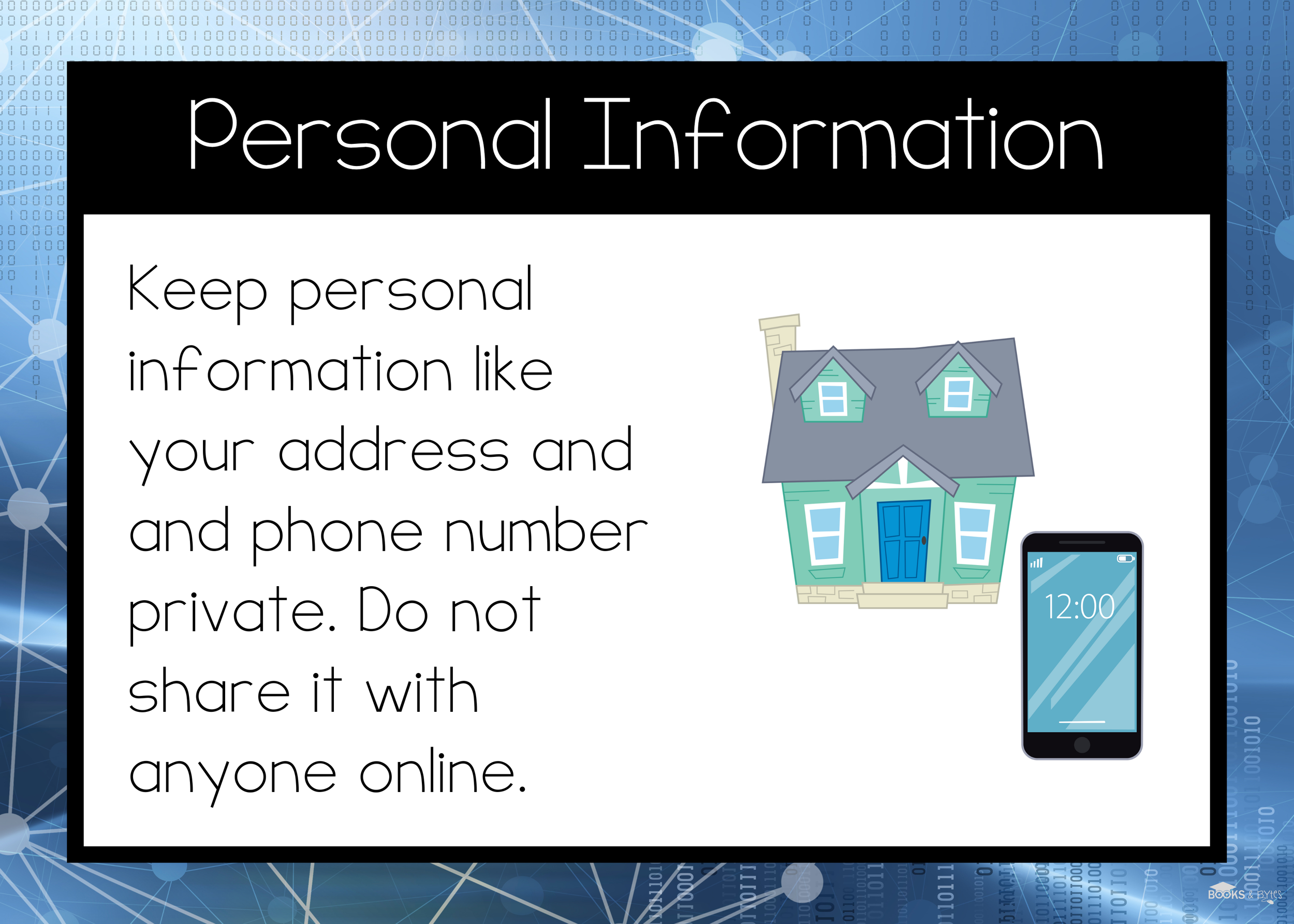
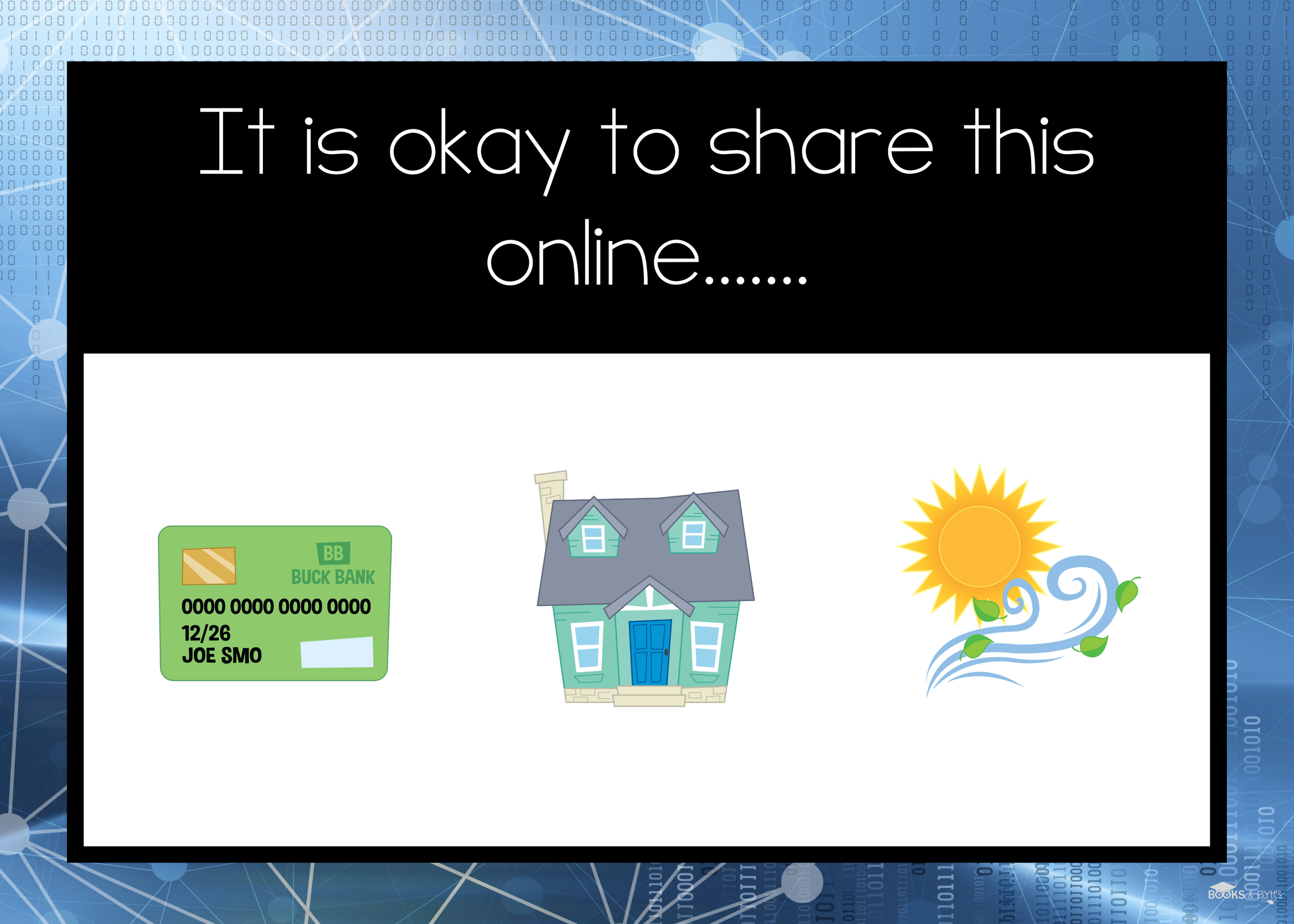
Start by helping students understand that some information should not be shared online.
Talk about examples such as:
Full name
Address
Phone number
Passwords
School information
Personal photos
For younger students, keep the rule simple: If you aren’t sure if something is safe to share, ask a trusted adult first.
A sorting activity or simple scenario is an easy way to practise identifying what information should stay private.
2. Talk About When Something Doesn’t Feel Right
Help students recognize situtations that should make them stop and think.
Give students simple examples they can relate to:
A strange message appears.
Someone asks for personal information.
A website shows something upsetting.
Someone they don’t know tries to talk to them.
Practising these situations ahead of time helps students recognize when something isn’t right and know when they need help.
3. Teach the “Ask an Adult” Rule
One of the easiest online safety strategies for primary students is also one of the most important: stop and ask an adult.
Students should know to check with an adult before:
Clicking an unfamiliar link
Downloading something
Creating an account
Talking to someone they don’t know
Sharing information online
This gives young students one clear strategy they can use in many different situations.

4. Practice With Online Safety Scenarios
Instead of only telling students the rules, give them opportunities to decide what they would do.
Try simple questions such as:
A game asks for your home address. What should you do?
or
A message pops up from someone you don’t know. What should you do next?
Scenarios make online safety much more concrete for young learners and are an easy way to check understanding.
My Online Safety activities include kid-friendly examples and practice designed specifically for younger students.
5. Start Talking About AI Safety Too
Artificial Intelligence is becoming another part of students’ digital world.
Primary students don’t need to understand how AI works in detail, but they can begin learning a few important habits:
AI can make mistakes
Check information using books, trusted websites, or an adult.
Don’t share personal information with AI tools.
Keep using your own ideas and thinking.
Ask an adult before using an AI tool independently.
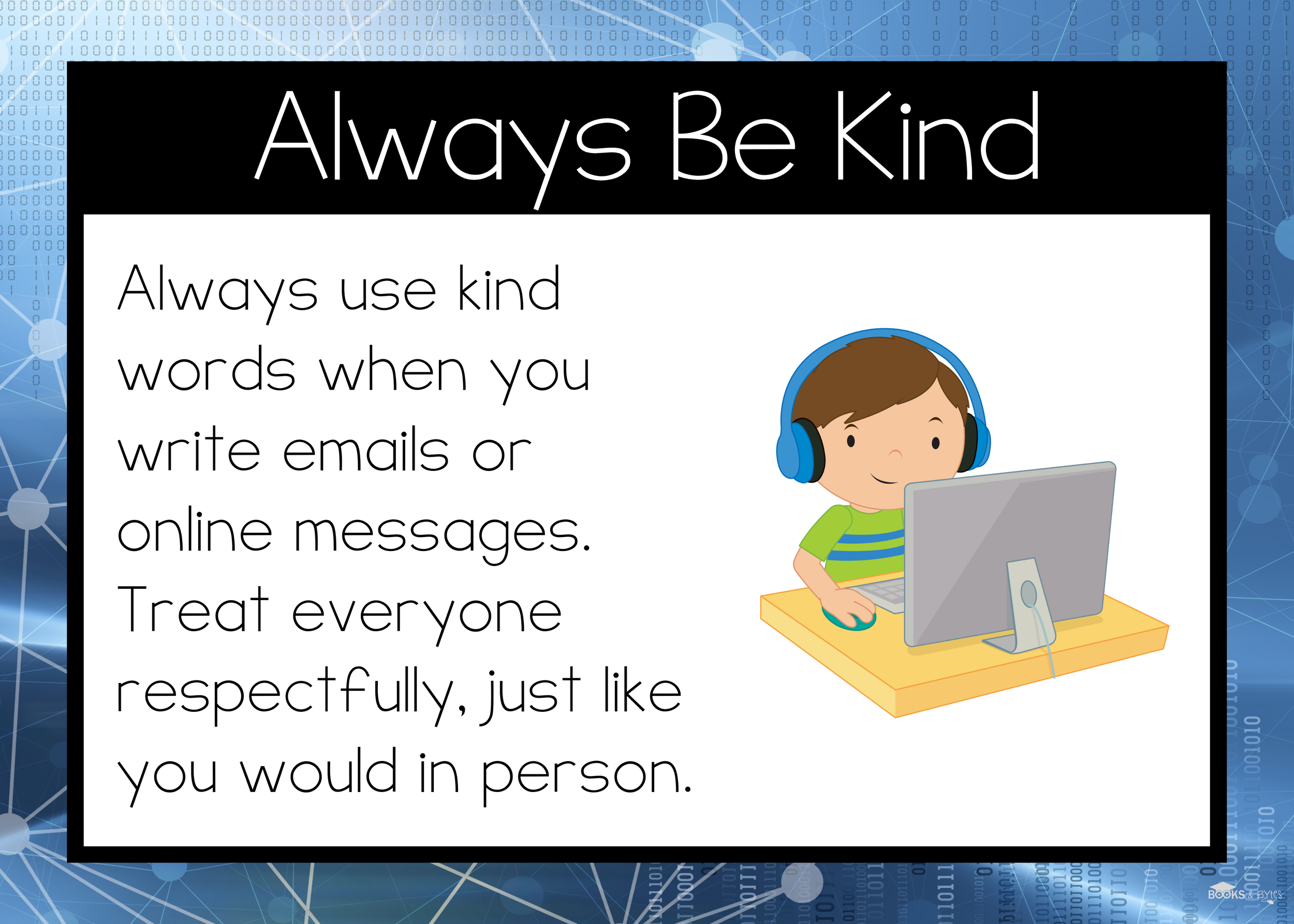
Introducing these ideas early helps students build good digital habits as technology continues to change.
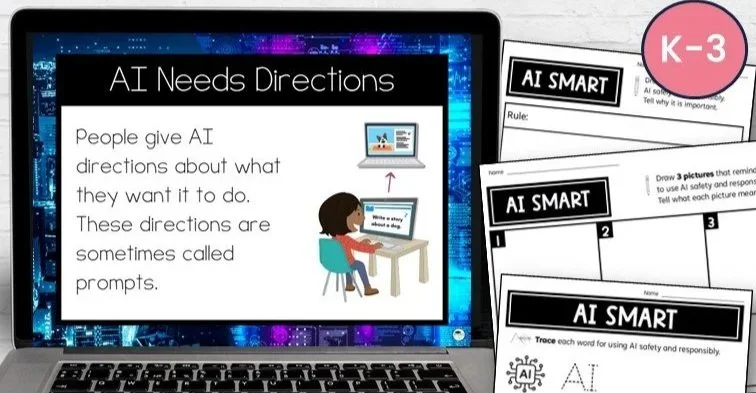
My AI Smart Lesson and Activities introduces artificial intelligence in a simple, age-appropriate way for K-3 students.
Keep Online Safety Simple
Online safety lessons for young students don’t need to feel scary or overwhelming. A few clear rules, lots of examples, and opportunities to practise can help students become safer and more confident when using technology.
Revisit these expectations throughout the year as students use different websites, apps, devices, and digital tools.
Happy teaching,
Jenn